
|
|
How to Update a Standard Report
To update a standard report file:
-
On the menu bar, click the
 menu icon and select Manage Standard Reports.
 -
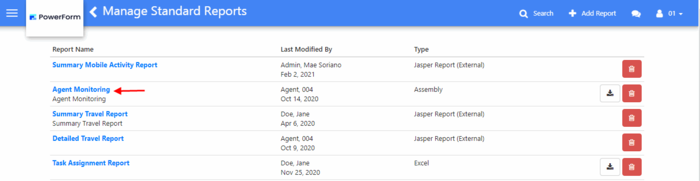
Click the name of the standard report to be edited.
-
Update the fields of the standard report. See the topic 'How to Add a Standard Report' for description of the standard report's fields.
-
When done, click the Save button on the menu bar.