|
|
How to Open a Saved Custom Report
A custom report is only available to user roles given permission to use the report.
To open a saved custom report:
1. Click the Menu button on the menu bar and click Custom Reports.
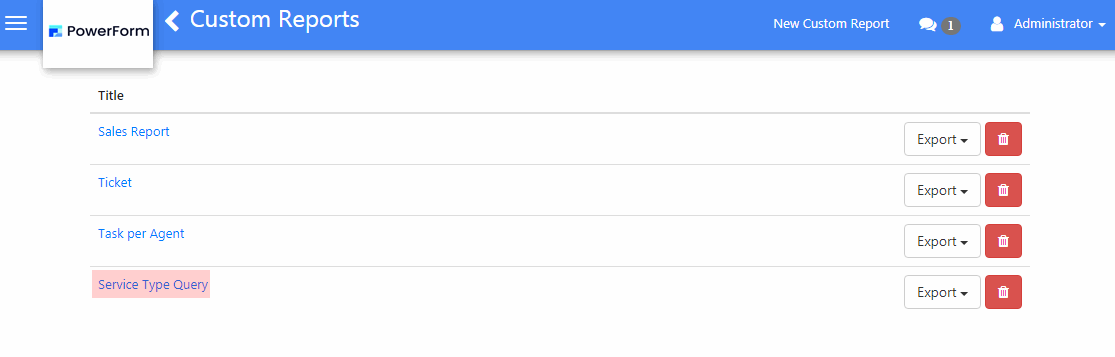
2. On the reports grid, click on the report title to open the record.
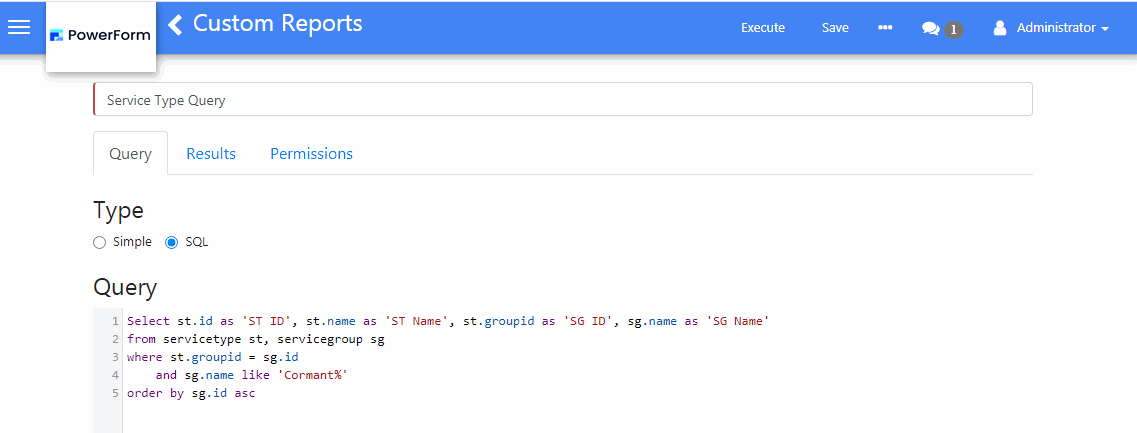
3. The Custom Reports screen will be displayed showing the Query tab of the record.