|
|
How to Delete a Saved Report
Delete custom reports that will not be used or are duplicates using the Delete button.
To delete a report:
1. Click the Menu button on the menu bar and click Custom Reports.
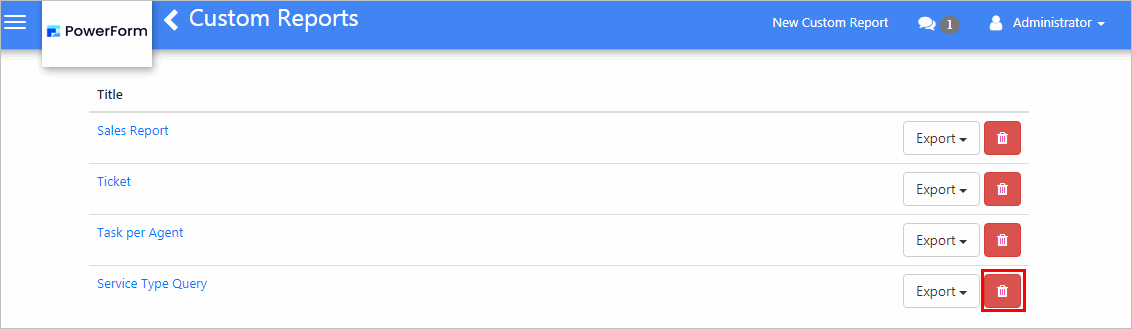
2. From the reports grid, click the Delete button of the report to be deleted.
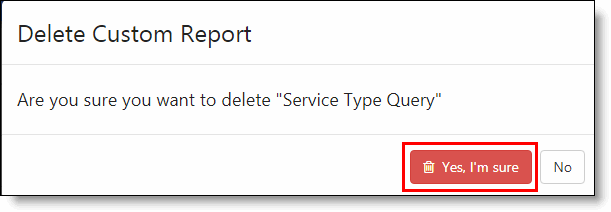
6. In the notification message, click the Yes, I’m sure button.